
Specialized coverage for commercial fleets,
backed by data-driven solutions that help
you save.

 type of insurances
Ensure your business meets federal & state commercial vehicle regulations.

Cover your drivers from third-party injuries, damages, and related expenses
Primary liabilty is not general liability, and does not cover your assets or personnel.
Often mandatory for leased or financed vehicle, but highly recommended.
Fleet profile, risk factors, & coverage needs determine customized premium rates.
Customized to your specific business scale and operational needs for optimal protection.

Safeguards your commercial vehicles against collision damage, theft, vandalism, and other perils, minimizing business interruptions when unexpected events occur.
Covers vehicle damage from collisions, theft, fire, and disasters.
Does not cover wear, breakdowns, and damage to third-party property.
Often mandatory for leased or financed vehicle, but highly recommended.
Rates determined by vehicle value, driving history, vehicle types, and coverage limits.
Reduce premiums through FleetVantage program, which rewards safe driving.

Protect your frieght and transported goods against loss, damage, and theft during transit, essential for for-hire truckers hauling others' property.
Risk managers mandate cargo insurance in for-hire trucking operations.
Protect against physical loss or damage to goods during transit.
Price based on goods value, transportation mode, shipping distance, and more.
Choose from several different protection levels to match your risk exposure.
Tailor policies with specific coverage limits, deductibles, and endorsements.

Extend protection with coverage beyond primary liability limits when catastrophic accidents occur, protecting against nuclear verdicts and rising claim costs.
Excess liability provides additional protection when primary limits are exceeded.
Transportation companies need excess coverage due to high operational risks.
Activates after primary limits are exhausted, covering claims up to policy maximum.
Not mandatory but highly advised for transportation companies.
Determine coverage based on fleet size, operations nature, and risk exposure.
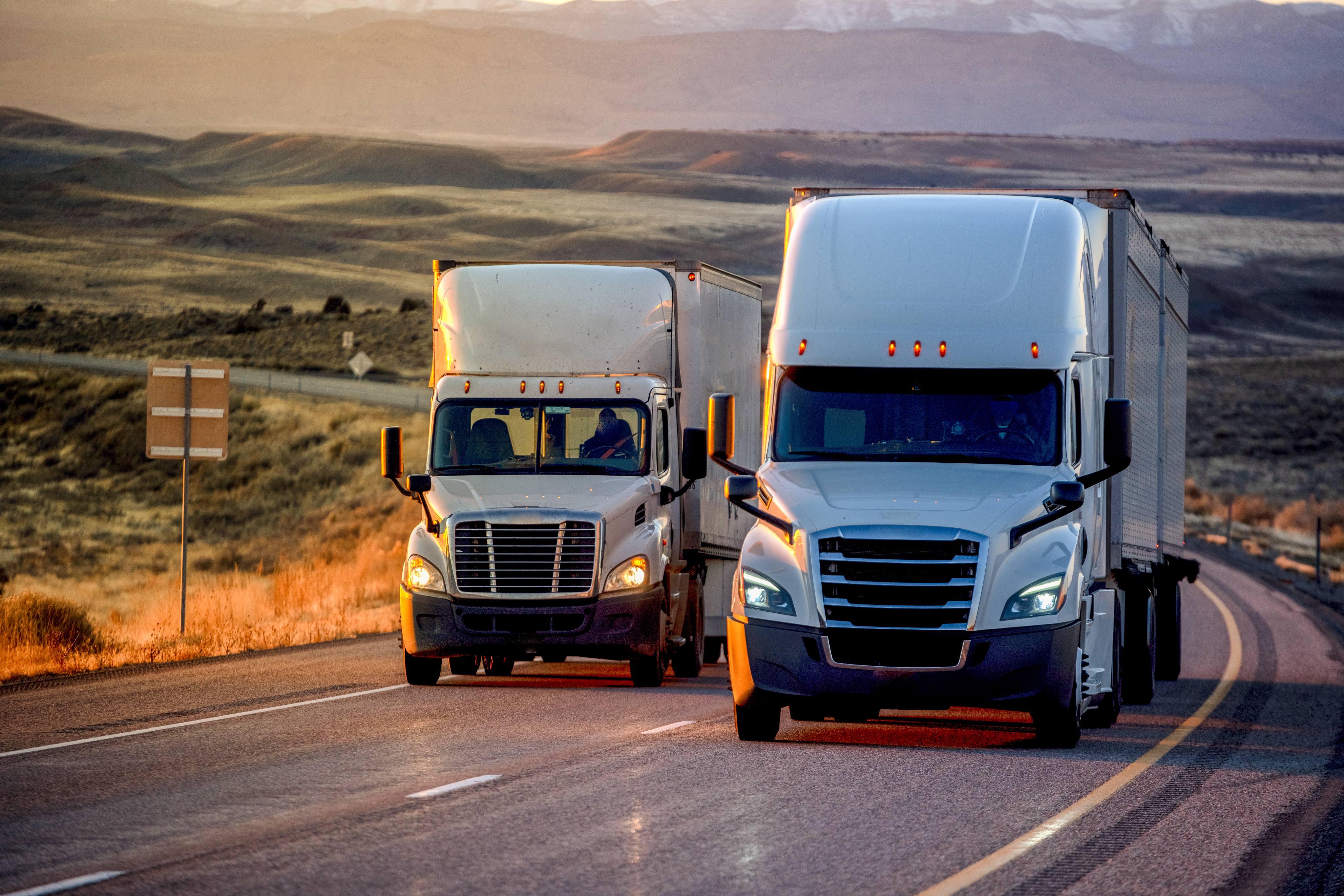
FleetVantage offers commercial fleets smarter premium management through advanced telematics data. The program rewards safe driving with lower premiums, while helping fleet operators gain valuable insights to support safer operations.
Rates based on telematics data tracking mileage, driving behavior, and vehicle usage patterns.
Monitors driving behaviors including speed, braking, acceleration, GPS location, and more.
All telematics information securely transmitted and stored following strict privacy standards.
Rewards safe driving habits with premium discounts based on actual driving performance.
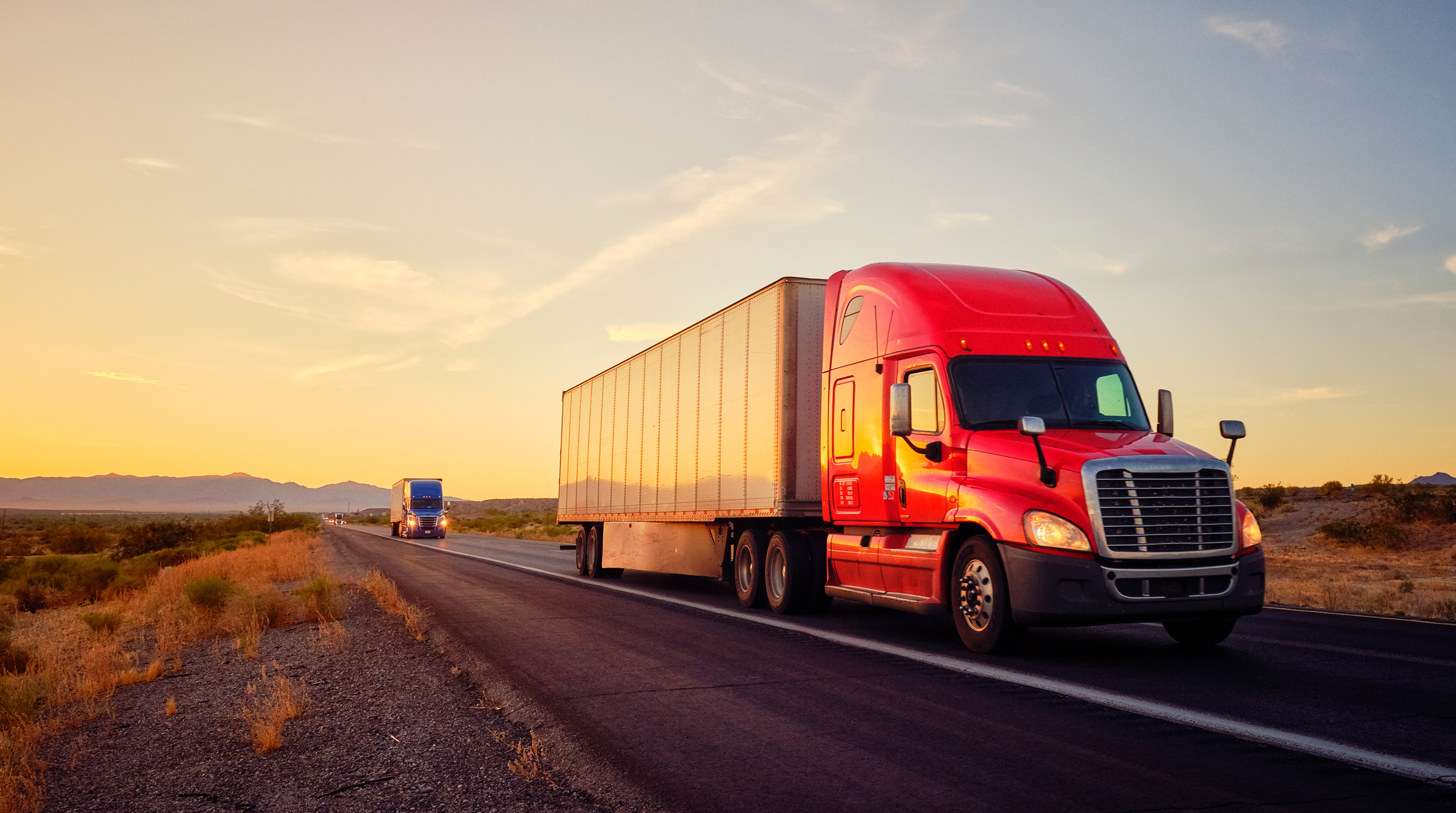
Essential financial protection for your commercial fleet against third-party bodily injury, property damage, and legal expenses.
Get to know more
Safeguards your commercial vehicles against collision damage, theft, vandalism, and other perils, minimizing business interruptions when unexpected events occur.
Get to know more
Extend protection with coverage beyond primary liability limits when catastrophic accidents occur, protecting against nuclear verdicts and rising claim costs.
Get to know more
Protect your frieght and transported goods against loss, damage, and theft during transit, essential for for-hire truckers hauling others' property.
Get to know more
FleetVantage offers commercial fleets smarter premium management through advanced telematics data. The program rewards safe driving with lower premiums, while helping fleet operators gain valuable insights to support safer operations.
Get to know more

 TAILORED & READY
 Commercial Trucking
Construction
Maintenance & Trades
Food & Beverage
Last-Mile Delivery
Logistics
Moving & Storage
Paratransit
Commercial Trucking
Construction
Maintenance & Trades
Food & Beverage
Last-Mile Delivery
Logistics
Moving & Storage
Paratransit
Whether off-the-shelf or made-to-measure, we've got you covered. Reach out and let's create your perfect solution together.
Reach out
 FLEETVANTAGE
Looking to take more control over your insurance costs?
Our FleetVantage program helps qualified fleets reduce premiums
by leveraging telematics data. Safer driving. Smarter savings.
It's
that simple.
.webp)
A 9-degree incline is steep—but manageable with the right setup. That’s how we think about insurance too. With the right foundation, tools, and team, you can handle any uphill challenge.
Whether you’re hauling freight cross-country, running paratransit routes, or delivering last-mile packages, Degree 9 is here to help you protect what matters.
 Dedicated support from people who understand your business
Access to innovative programs like FleetVantage
Industry expertise with a focus on commercial fleets
Independent brokerage - your interests come first
Dedicated support from people who understand your business
Access to innovative programs like FleetVantage
Industry expertise with a focus on commercial fleets
Independent brokerage - your interests come first
 CONTACT US

Let's build a policy
that keeps your business on the road.
"*" indicates required fields